
Security Features
Guard Against Theft with KingSafe™ Document Security Features.
Document security is more important than ever, which is why we offer more than 30 security feature options through our KingSafe™ Document Security System. Now you have multiple ways of creating unique document security, and you can tailor the security level to the risk and threat potential as needed.
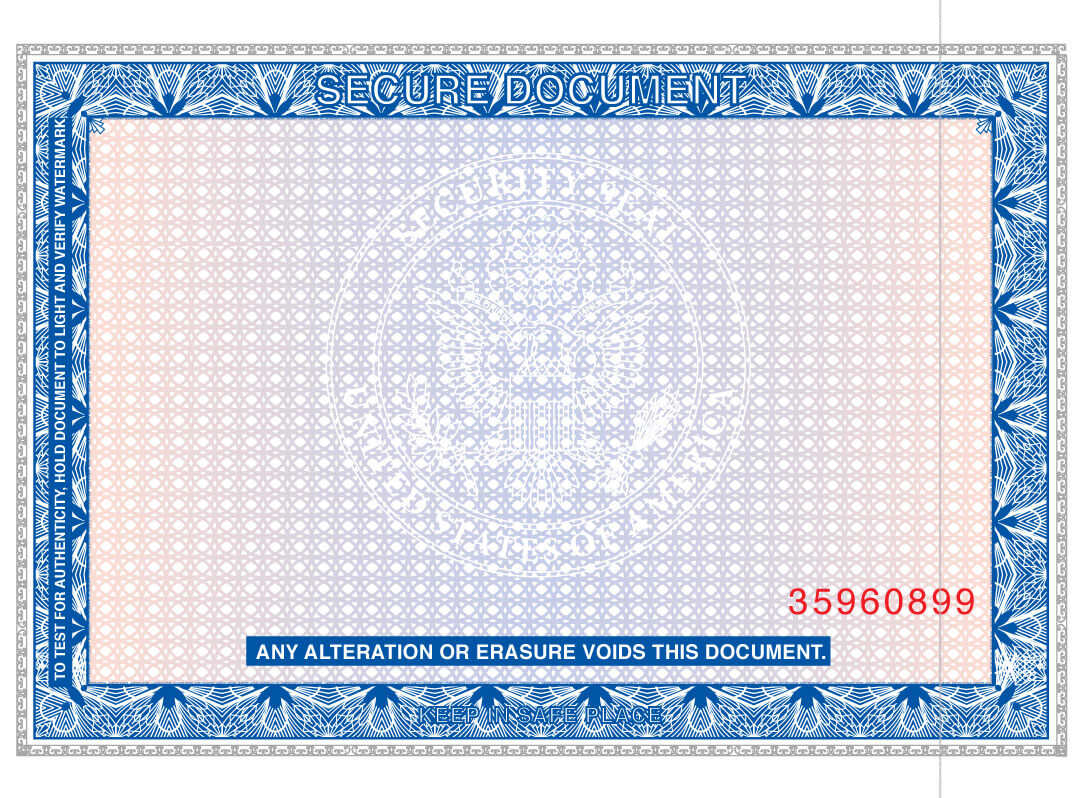
This sample title certificate is protected in multiple ways, through watermarks, embossing, microprint, sequential numbering specialty paper, specialty ink and seals.
King Printing Solutions can protect every inch of your critical papers—in ways you (and thieves) may never see.
With KingSafe, every aspect of your document can be protected:
 King Printing Solutions offers a spectrum of Security Papers, with features including visible fibers in different colors, invisible fibers that are only seen under special light, Securlaser bonding that prevents printing from being scraped off and altered, true watermarks engineered into the paper, chemical reactions that cause colors and marks to appear if paper is chemically altered, and magnetic ink compatibility.
- Special Security Inks change color when rubbed with a metal object, penetrate the paper to imitate watermarks, glow under ultraviolet light, or change color with temperature. They can also resist photocopying or digital recreation.
- Pantograph Screens are printed into the background of a document. They may say words like “VOID” or feature multicolors that make it almost impossible to photocopy.
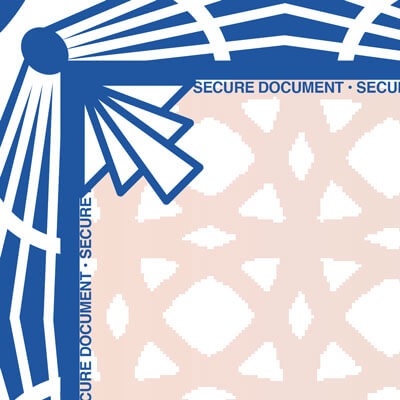 Microprint is very small type that is readable under magnification and becomes a solid line if copied or scanned. Microprint is commonly used for borders and signature lines.
- Magnetic Ink Character Recognition (MICR). This technology makes print soak through the paper and appear in a different color on the back side of the document. This is very difficult to duplicate.
- Security Screens. A light screen with the words “Original Document” that make duplication difficult.
- Padlock Icon. Used with negotiable documents, indicating that two or more security features have been used. An explanation of features appears on the back of the document in the padlock box.
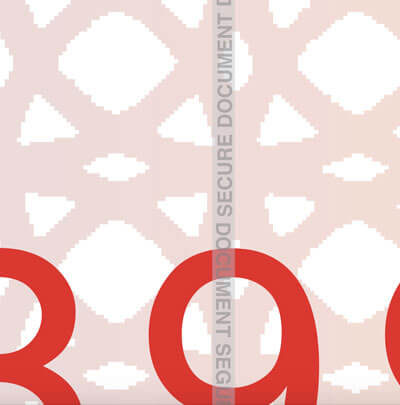 Warning Band. A border that indicates the security features being used and how to detect them. It shows document handlers what should be checked to show authenticity.
- Anti-Splice Backer. This prevents cut-and-paste between documents.
- Blockout. Solids or dense patterns that prevent readability of certain information.
- Image-friendly Boxes. Allows scanning in certain areas of documents for Check 21 or other compliance.
- Secure Distribution. Specialty papers and printed documents are kept secure during shipping and storage.